STEAMDB NEXUS

Steam app 1325860 · updated 10 Sep 2026, 16:42 UTC

VTube Studio

VTube Studio is all you'll ever need to become a Live2D VTuber, with innovative features such as pinning props to your model and many more still to come.

History chartsJune 2026 to September 2026
Last 30 days−98.3Gain−0.88%% gain20,910Peak
VTube Studio Steam header artwork
DenchiSoftDenchiSoft
8,994playing now
18,93424-hour peak
23,511all-time peak
11,030average, last 30 days

Game information

Free to playUpdated 10 Sep 2026, 16:42 UTC
App ID
1325860
Product type
Game
Developer
DenchiSoft
Publisher
DenchiSoft
Release date
12 Mar, 2021
Release status
Released
Early Access
Platforms
Windows, macOS
Genres
Indie, Animation & Modeling, Video Production
Game modes
Single-player
Controller support
Declared DRM
Achievements
Steam Deck
Unsupported
Metacritic

Features & support

Steam features

Steam Workshop

Controllers & input

Accessibility

Popular tags

IndieAnimeFree to PlayAnimation & ModelingSoftwareCharacter CustomizationCuteVideo Production2DUtilities3DSingleplayerFunnyMultiplayerStrategy
About this gameFull description from Steam
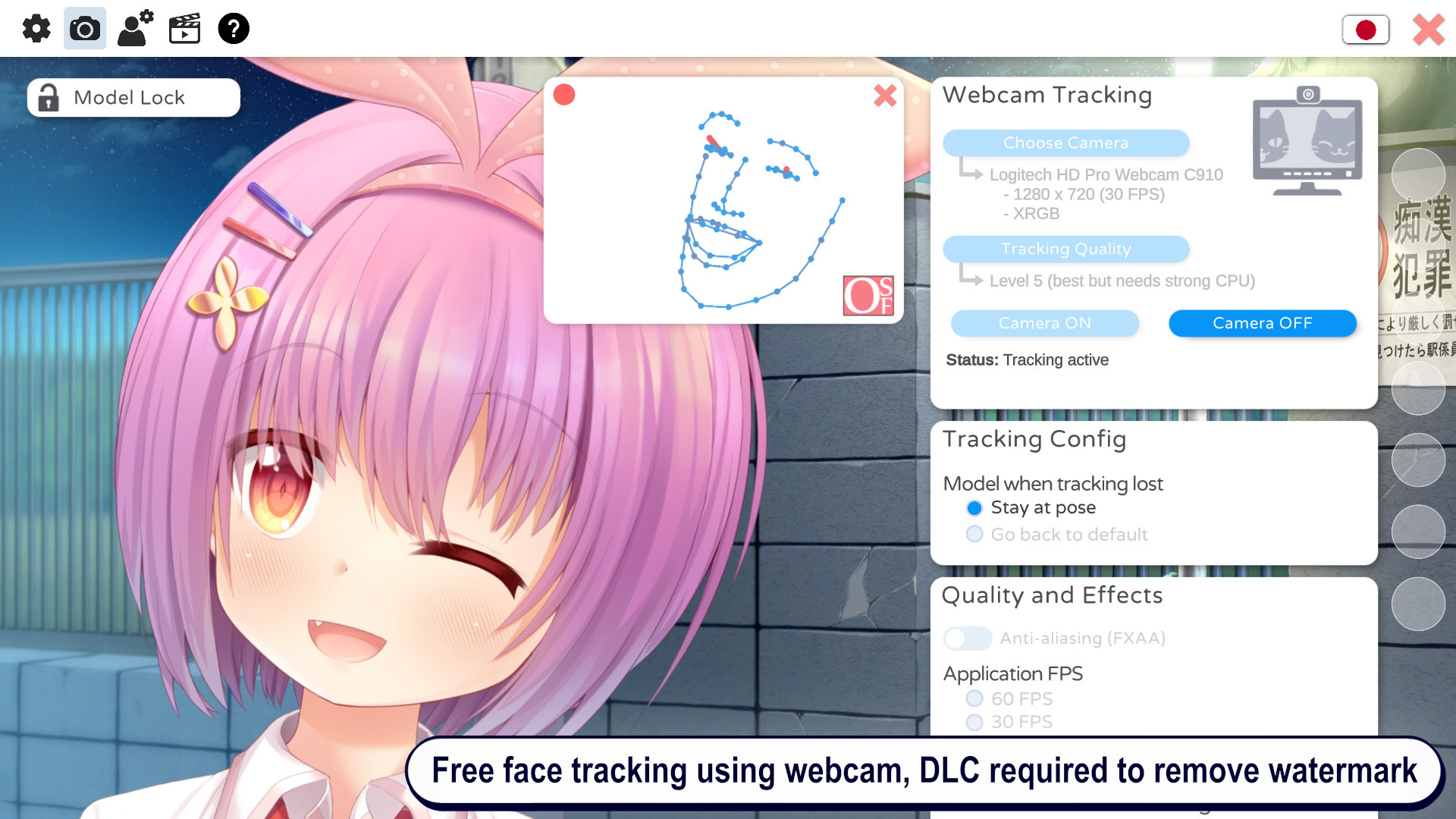
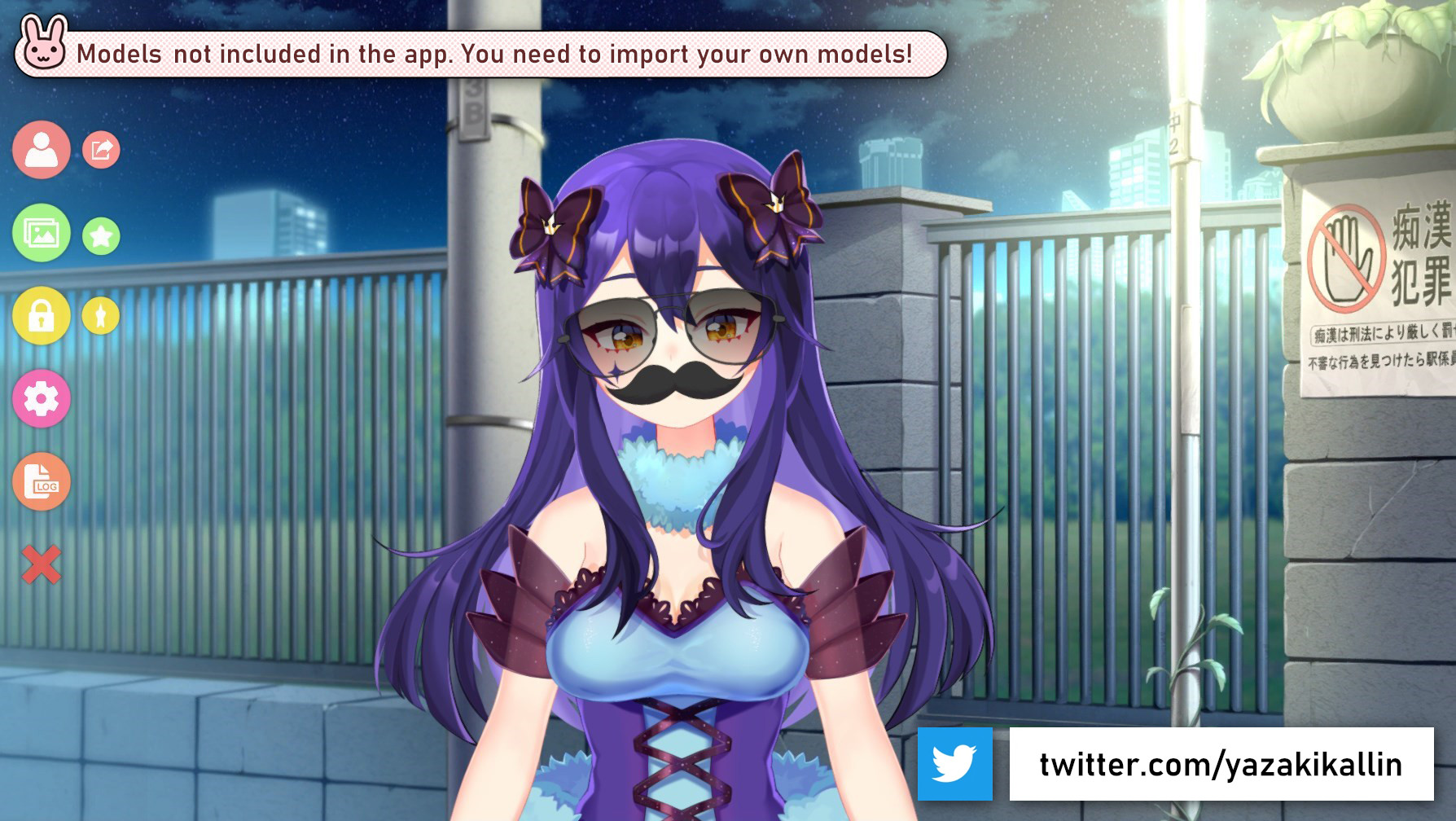
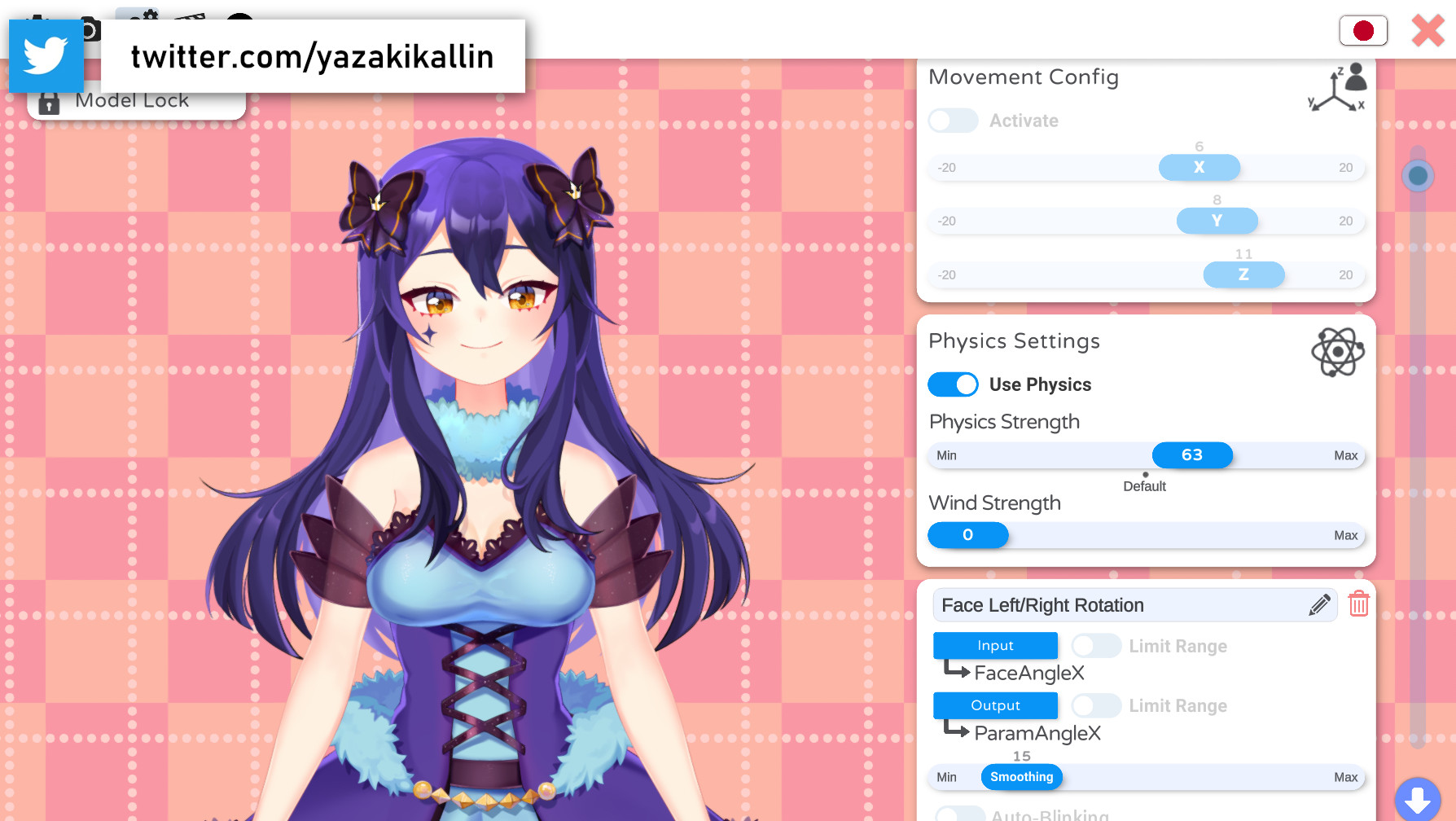
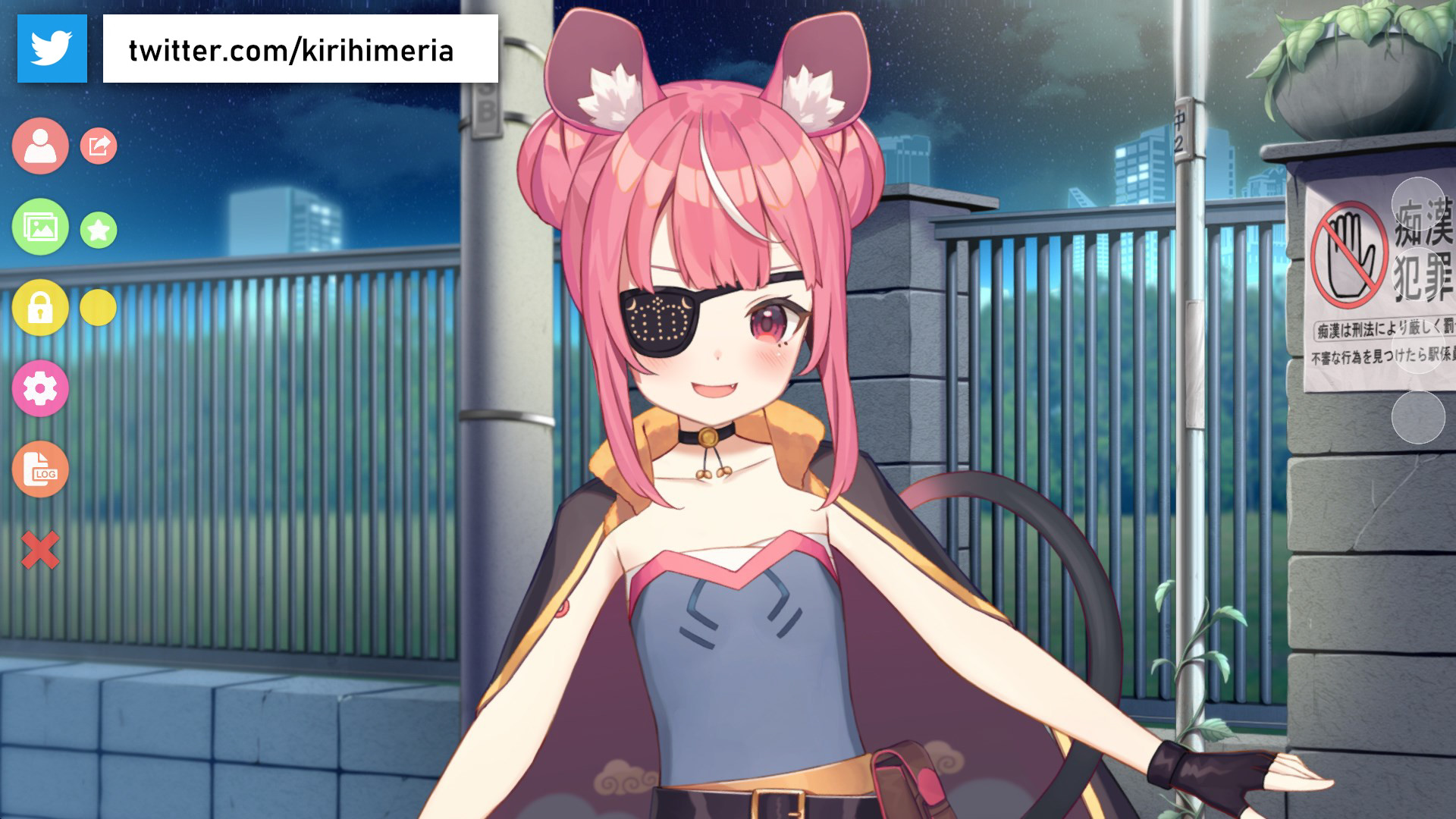
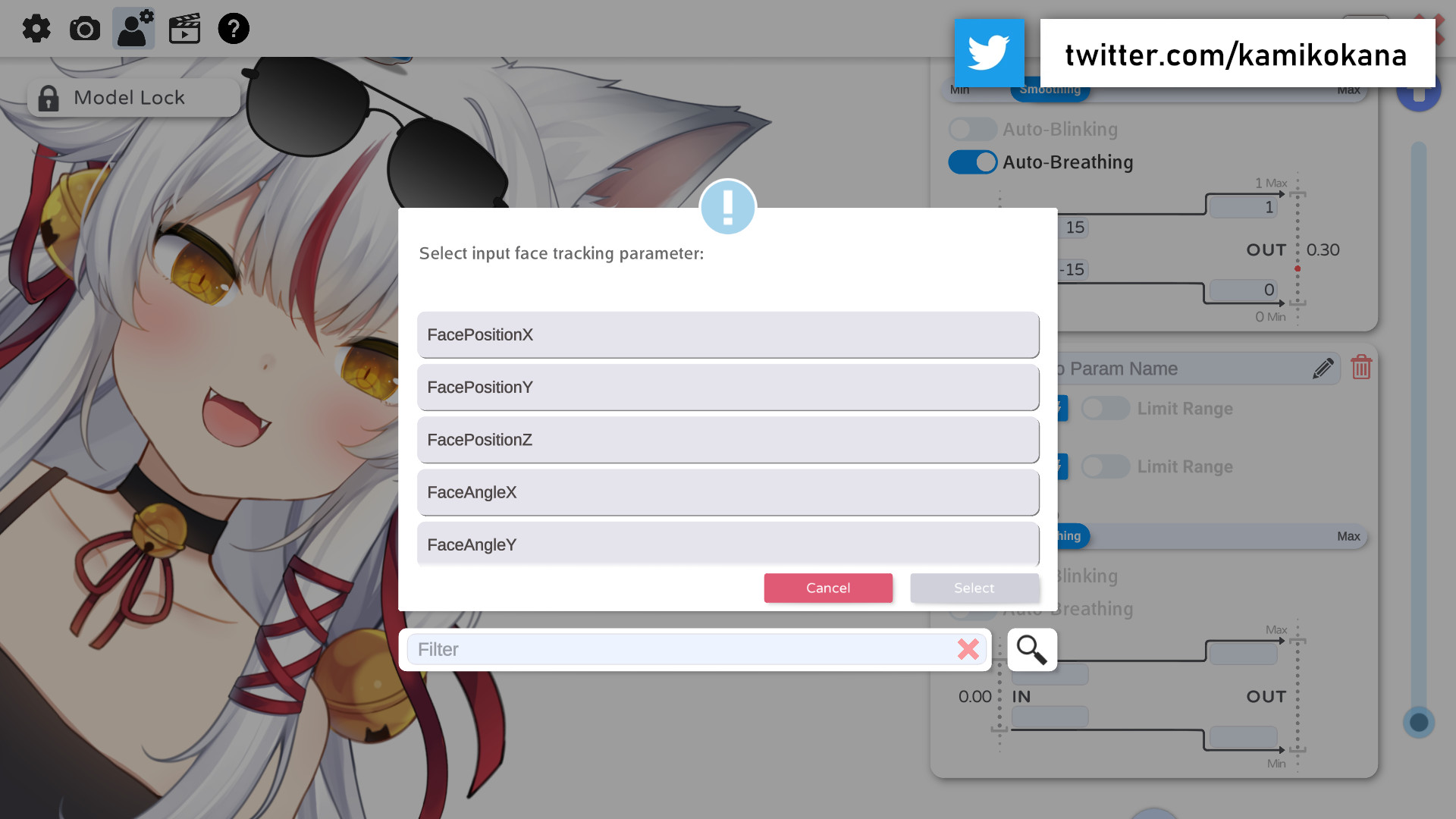
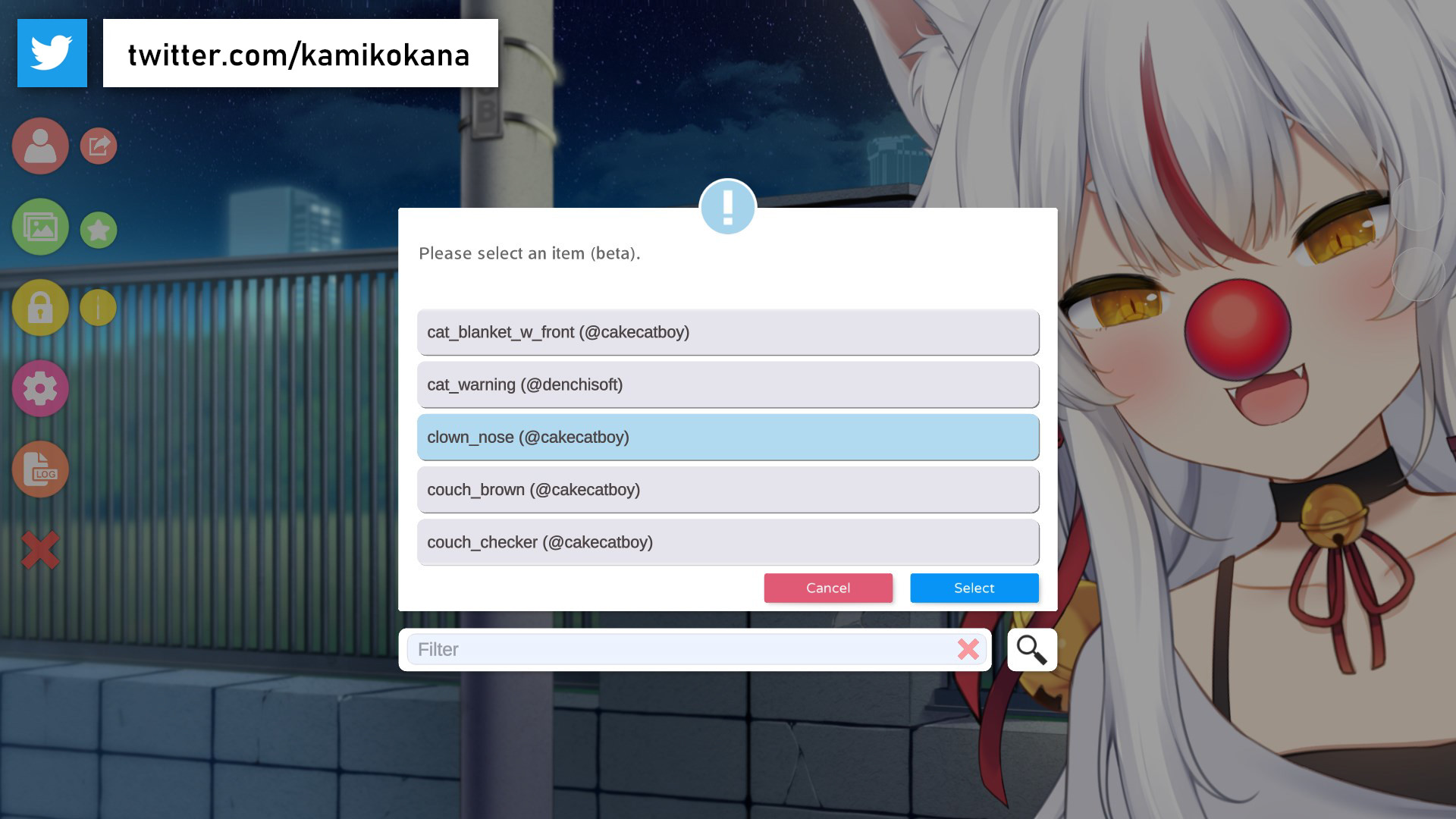
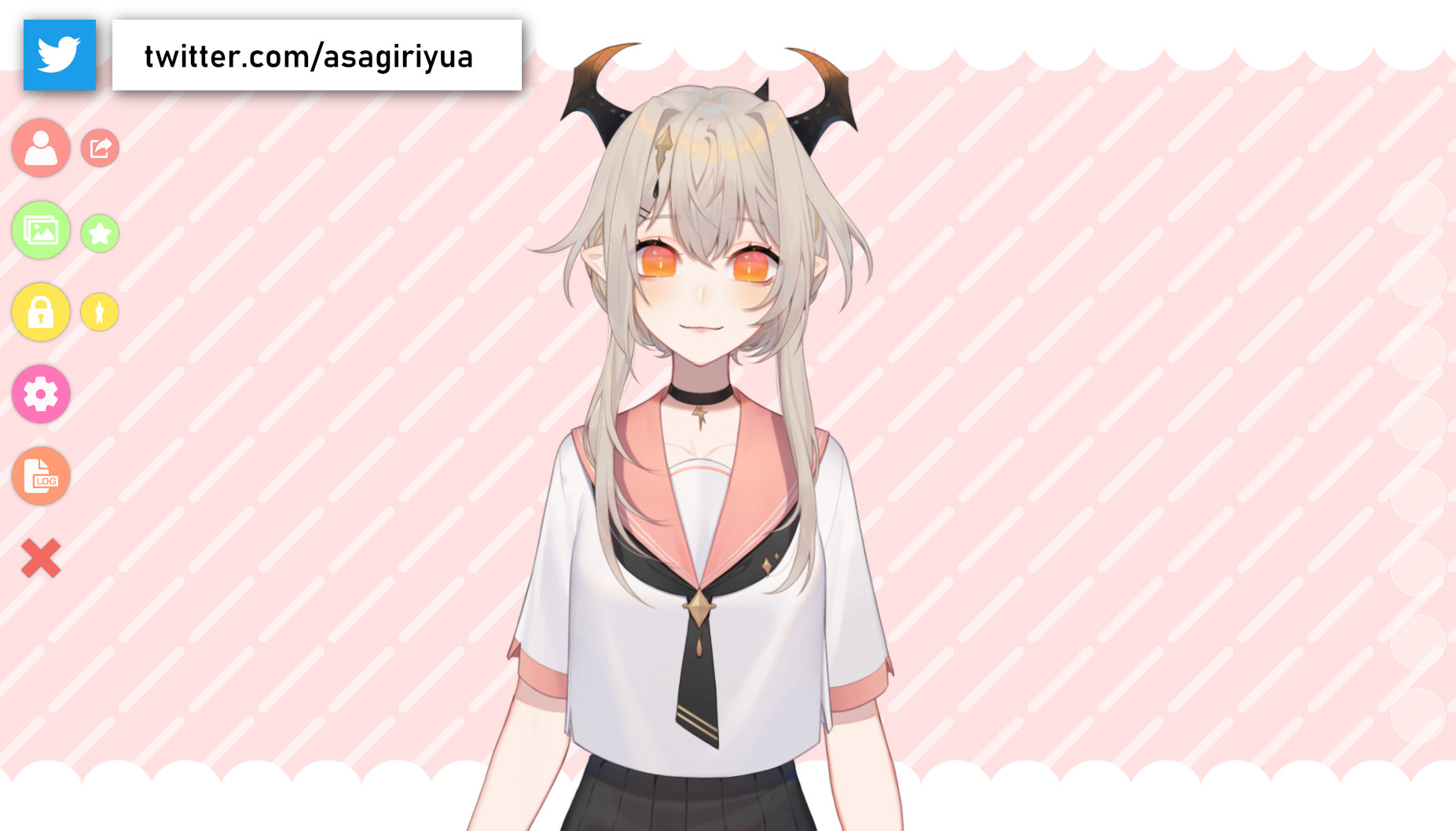
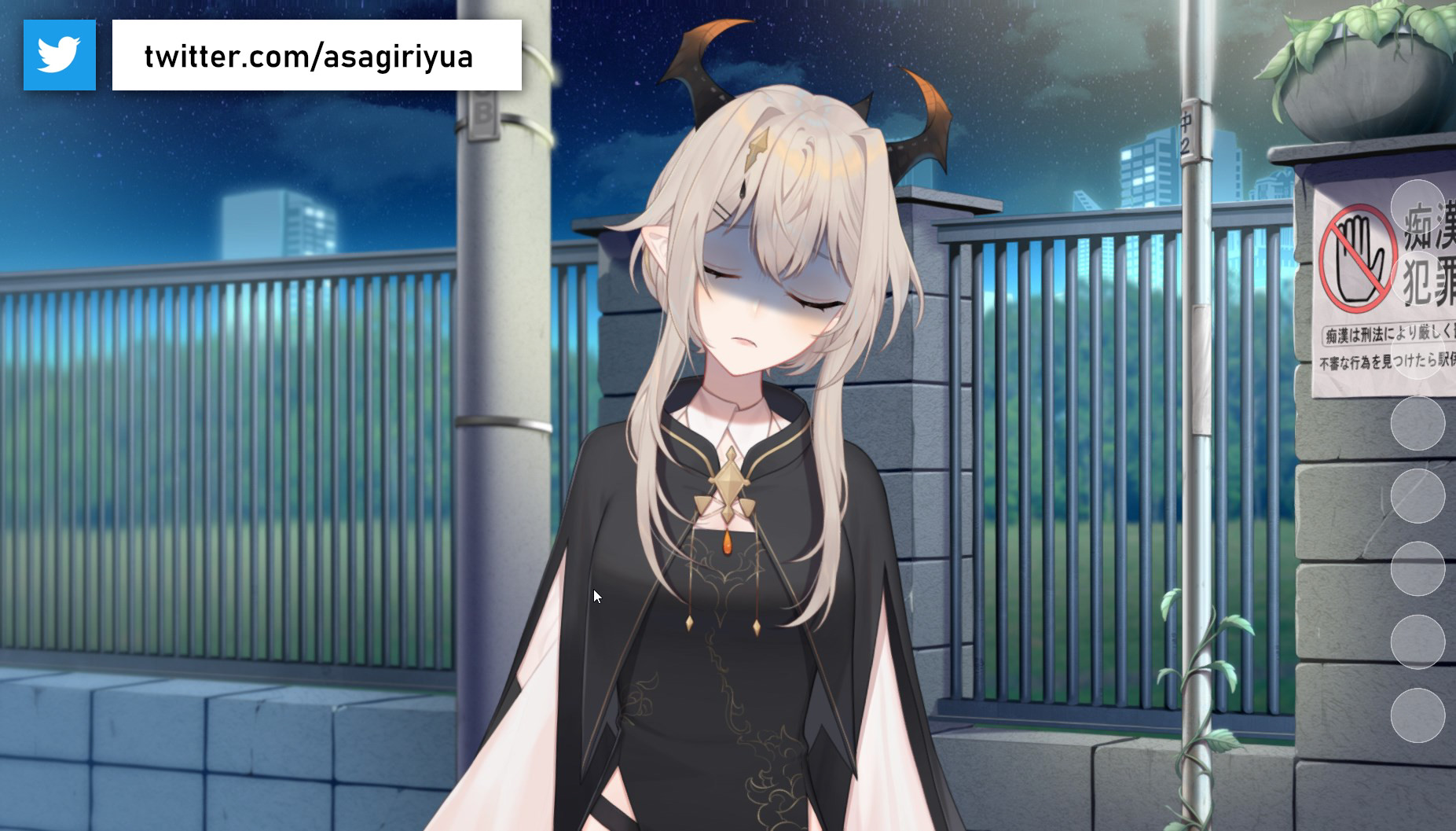
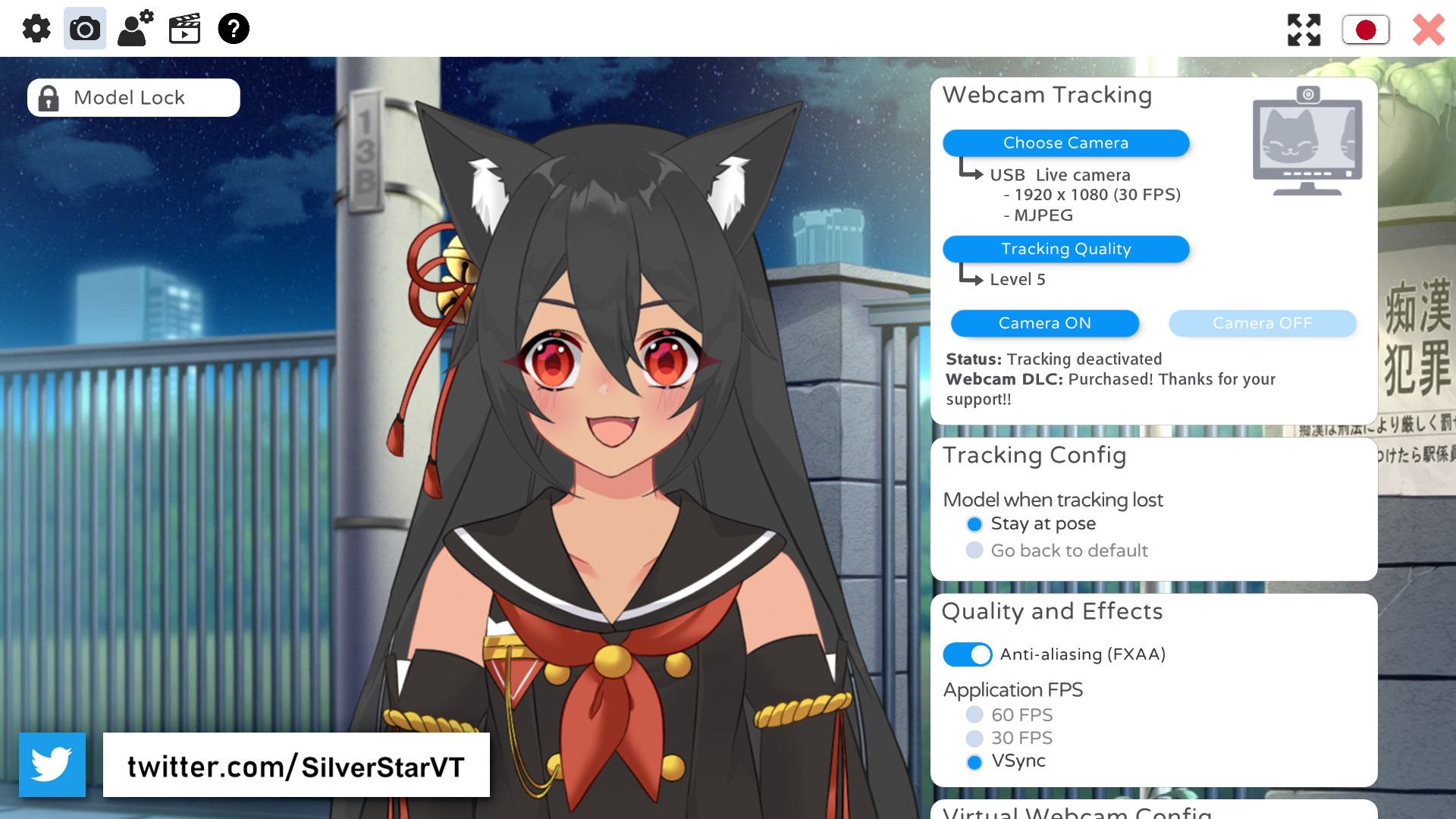
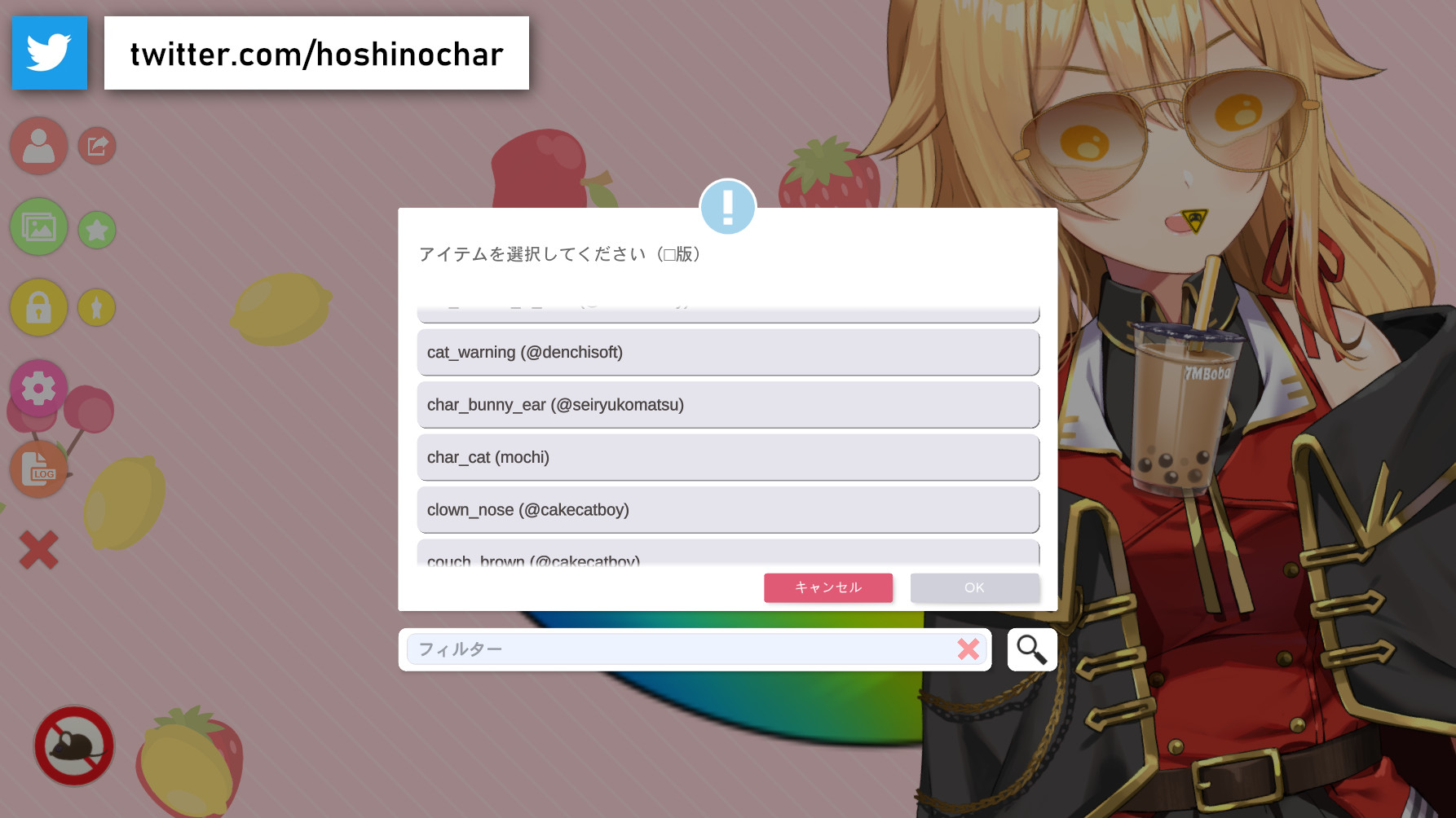
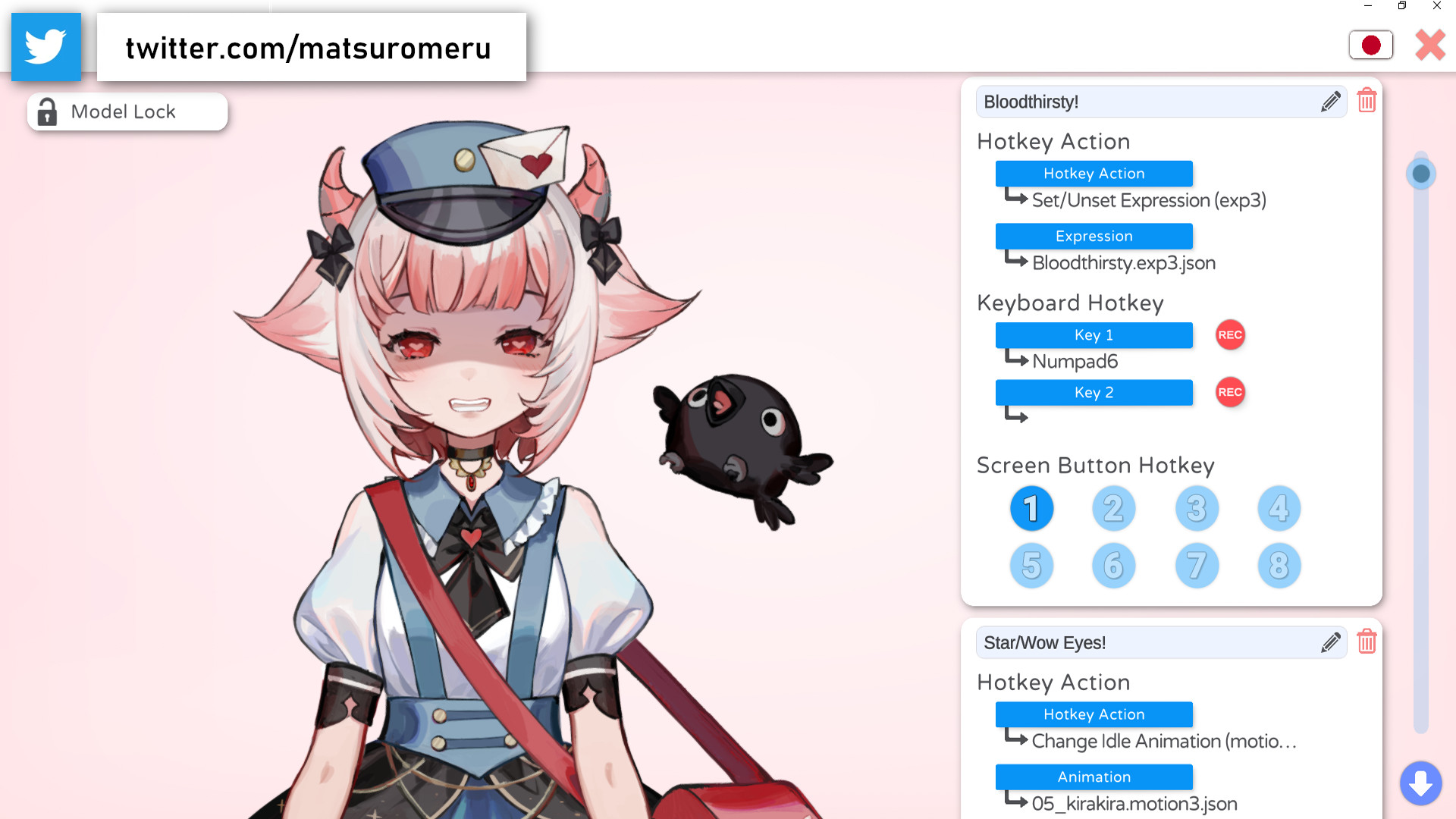
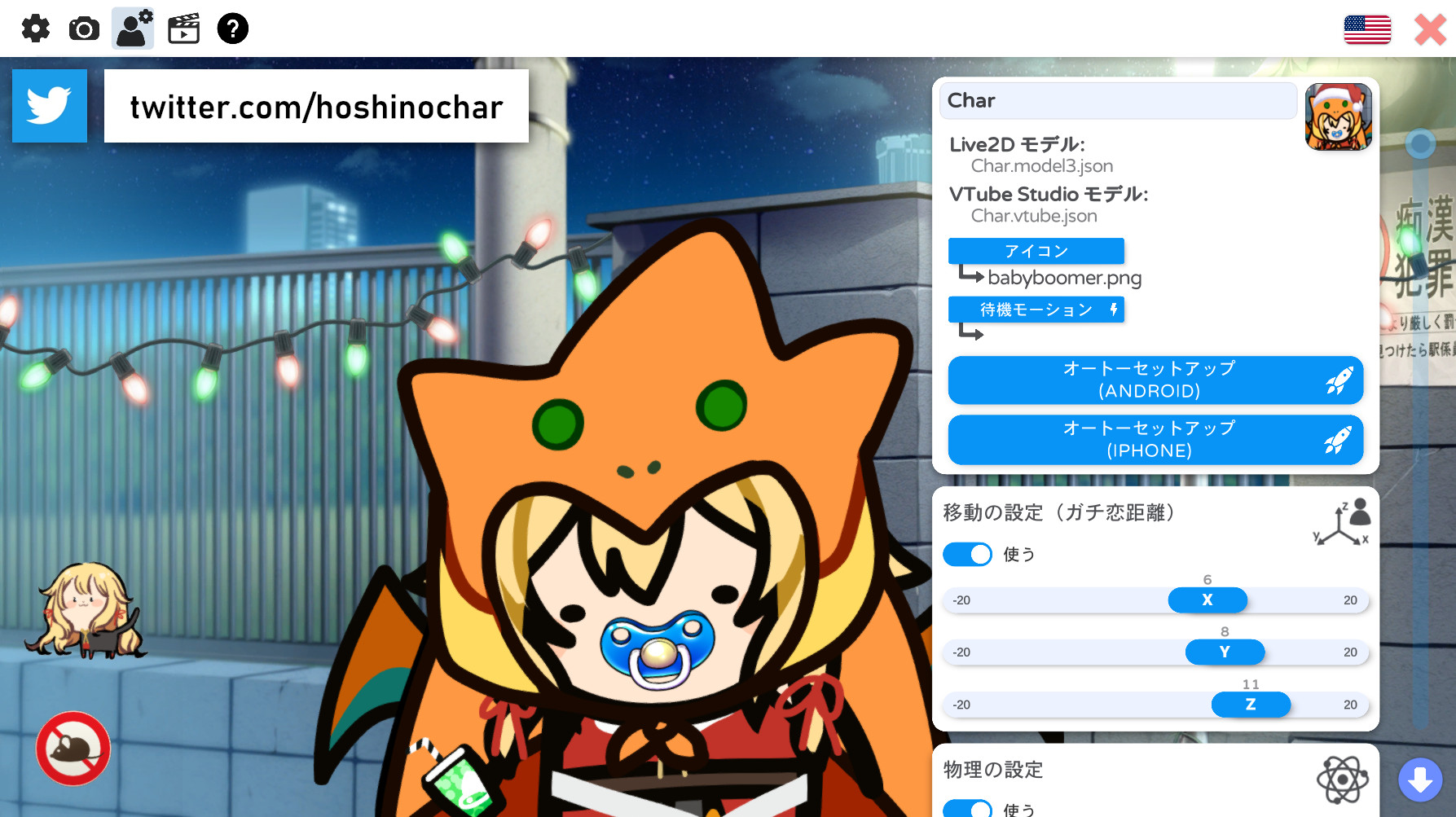
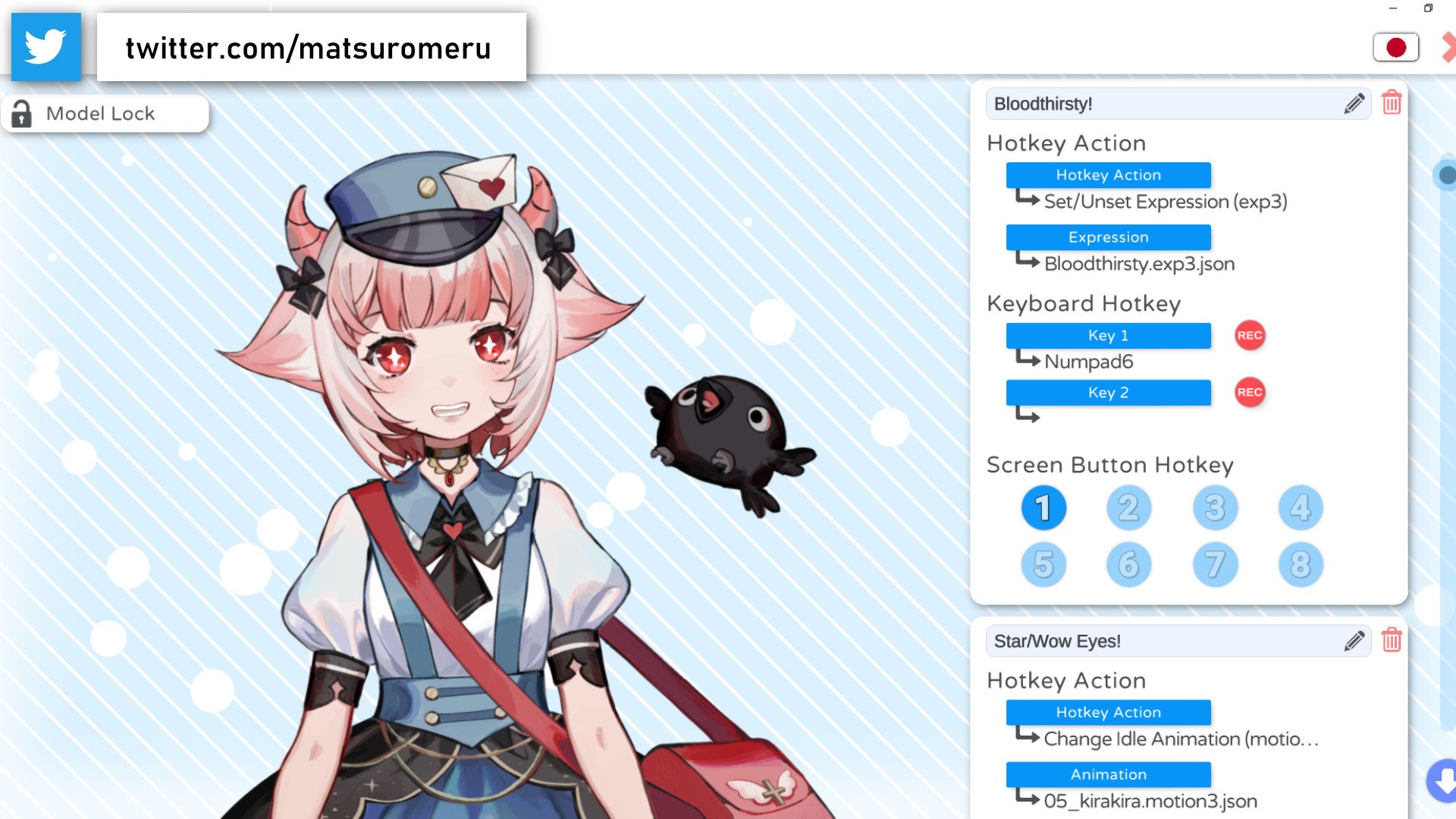
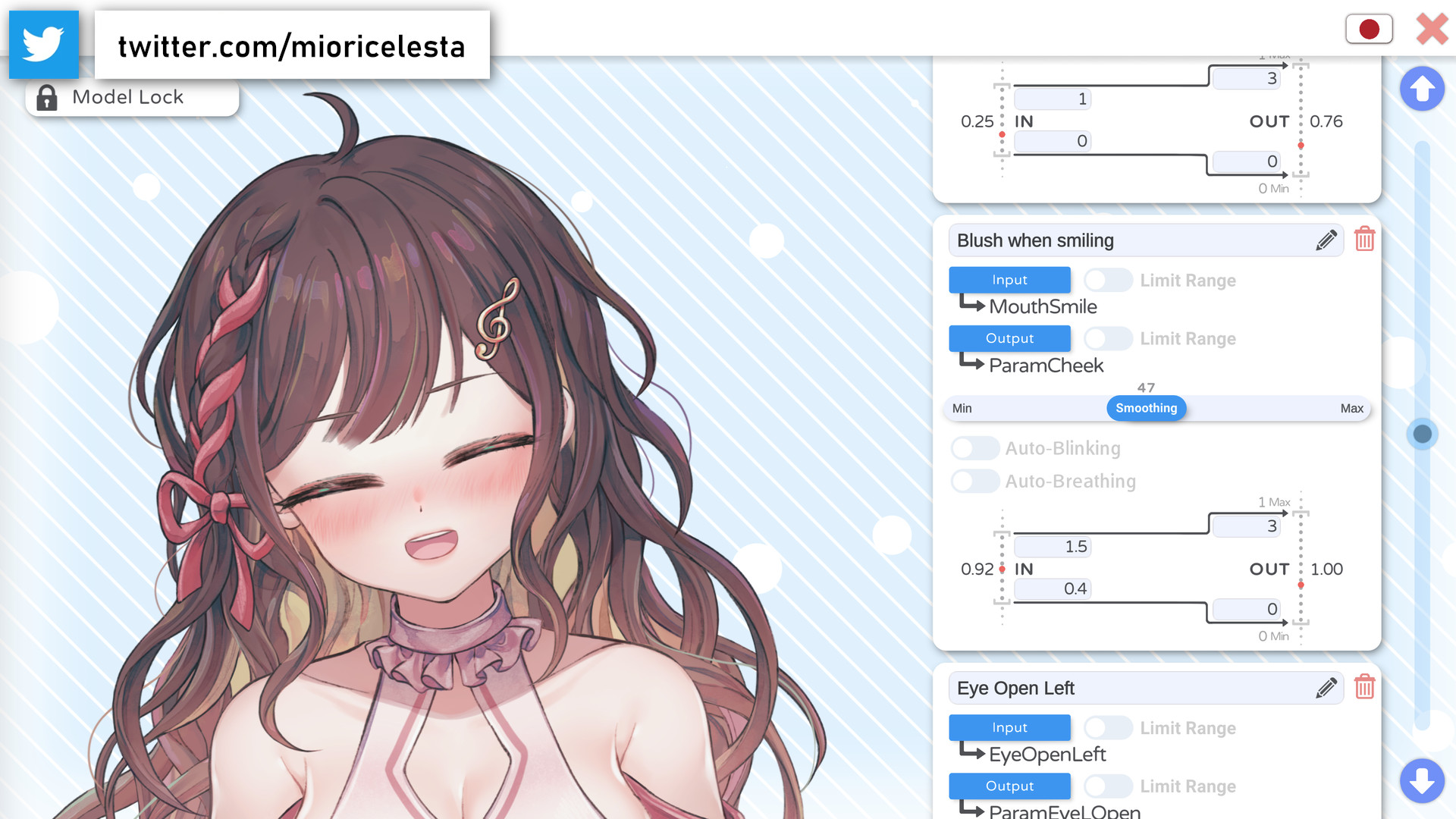
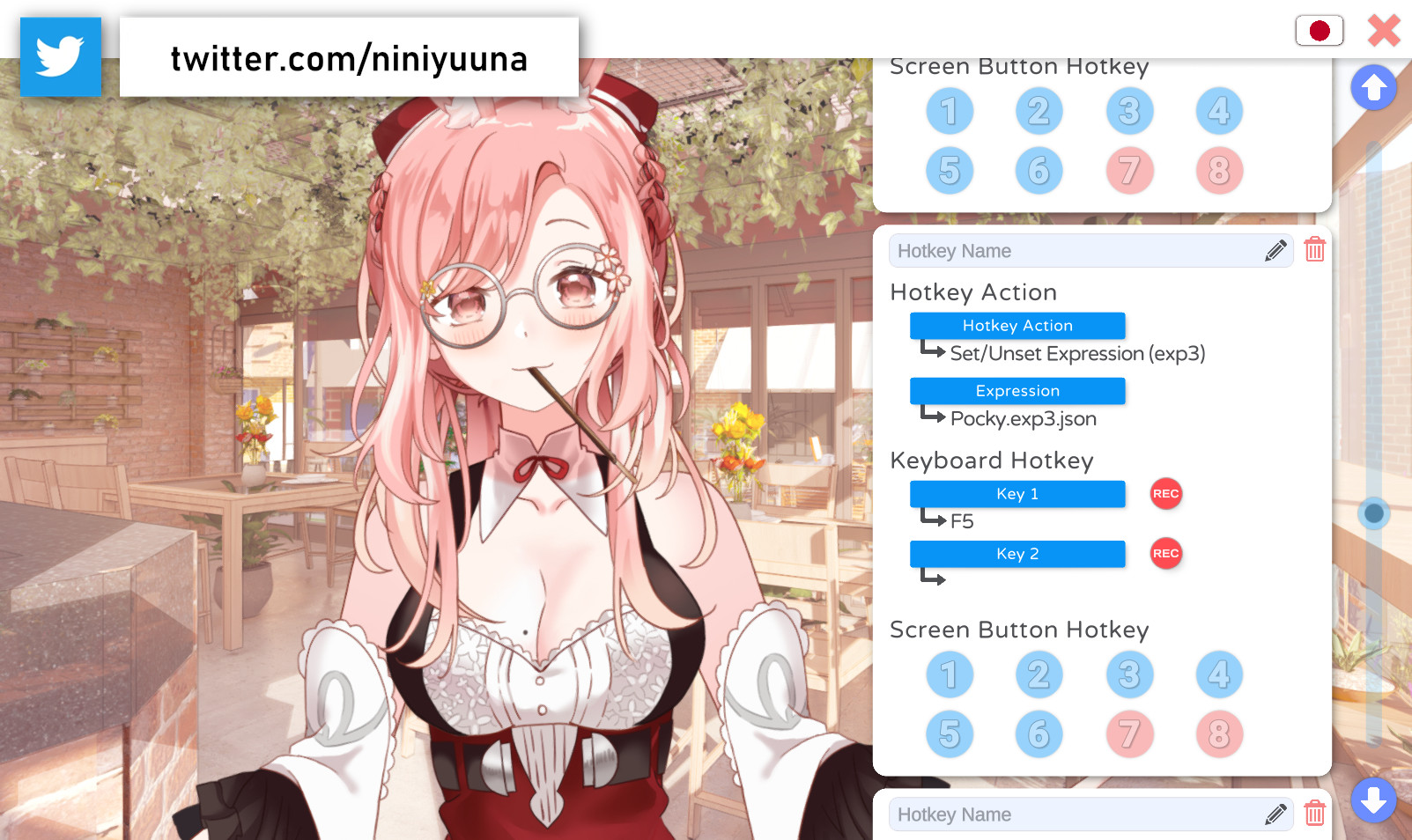
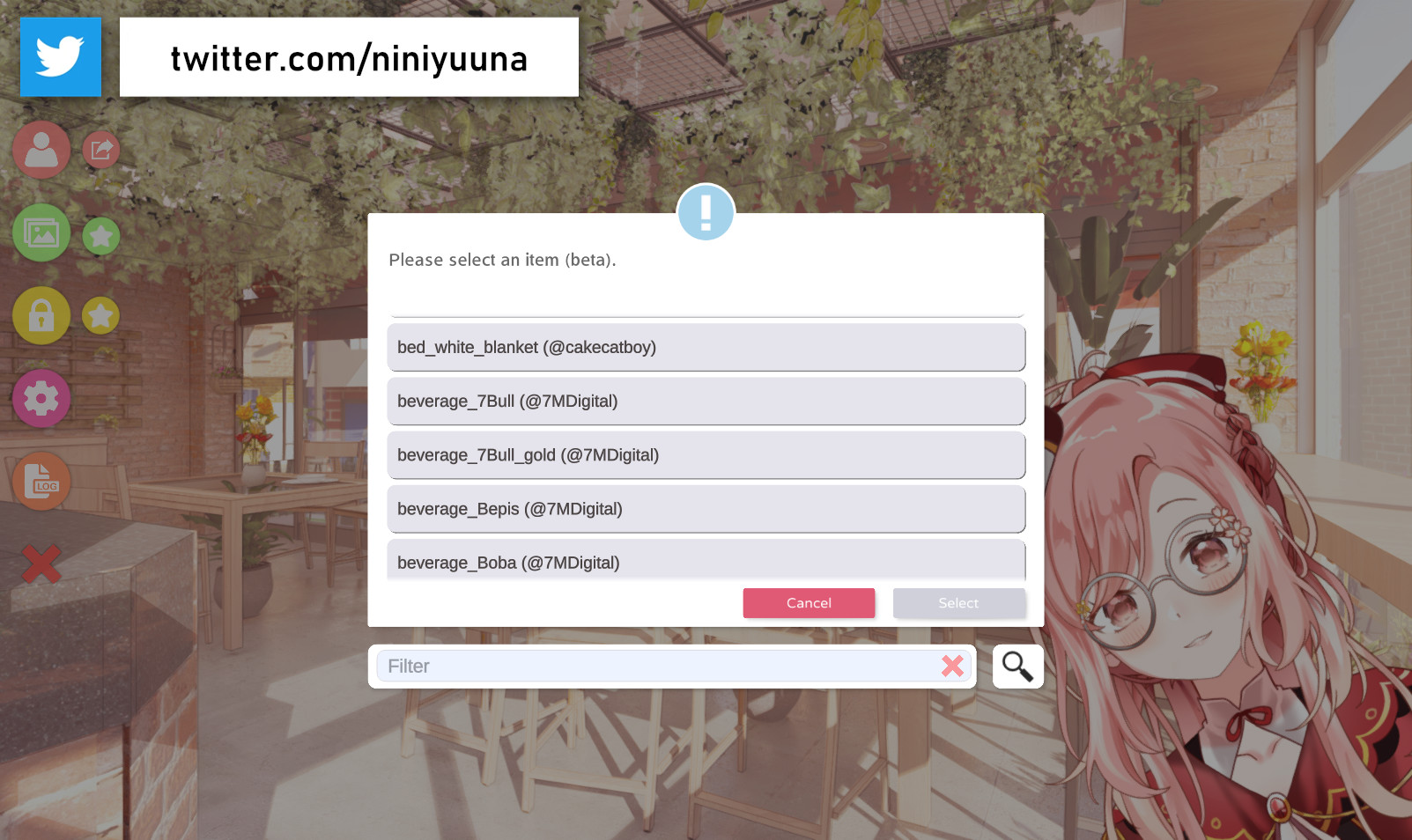
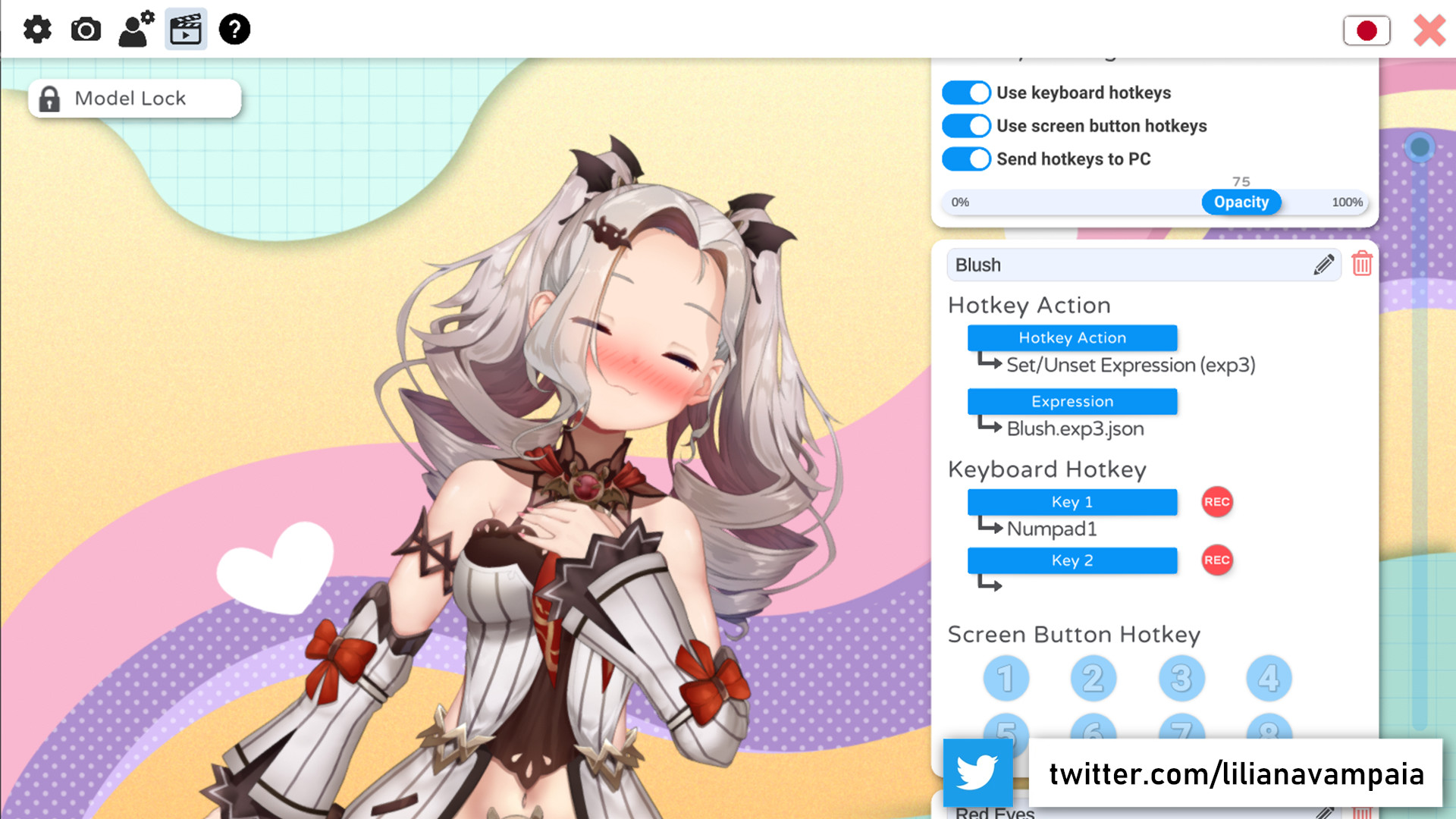
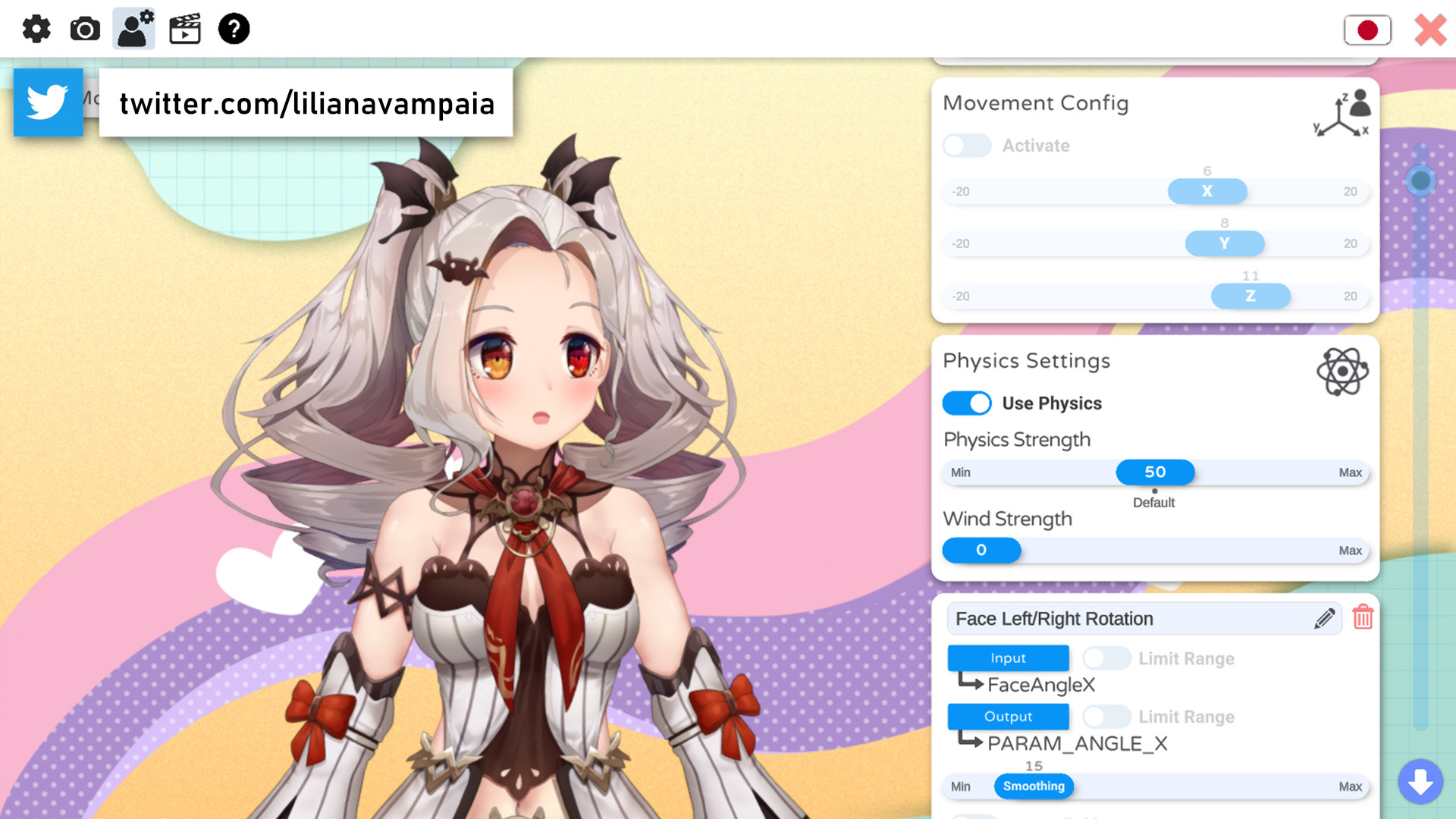
VTube Studio is finally coming to Steam! VTube Studio is the tool of choice for any Live2D VTuber! With a wide variety of features, it has never been easier to connect with your viewers!! VTube Studio can be used directly with your webcam on any Windows PC or Mac. VTube Studio also supports other advanced tracking inputs to control your Live2D model, including audio-based lipsync (requires microphone). Details can be found in the documentation. VTube Studio on Steam is free to use with all its features!! An optional "Remove Watermark" DLC exists that will remove the (very cute) watermark that would otherwise be shown when the webcam tracking is active. Using VTube Studio is really easy!! Load your own Live2D Cubism model, run the auto-setup (or do the setup manually), start the tracker and you're good to go. VTube Studio works well with OBS, Streamlabs or any other streaming software. VTube Studio comes with a few simple example models, but you obviously want to import your own models!! VTube Studio ONLY supports Live2D Cubism models, other formats like VRoid are not supported. No support for other formats is planned. If you ever get stuck, there's a complete documentation available as well as an active Discord community that's happy to help out new users! What can VTube Studio do? VTube Studio comes with tons of fun features you can try out and use to have fun with your viewers. Future development of VTube Studio will focus on community/viewer interaction, so please look forward to that!! Some of the current features of VTube Studio: Fast, high quality face tracking Voice-based mouth tracking High resolution, high quality, crisp Live2D model rendering Hotkey-triggered animations, expression changes Smoothly move model position/size/rotation per hotkeys Mouse/Pen-tracking parameter You can map any tracking parameter to any Live2D parameter of your model! Complete freedom! Item-System!! You can pin your own PNG items directly to your model and they'll move with it. iOS/Android app for network face tracking or directly rendering the model (free demo available) Commercial usage is allowed (YouTube, Twitch, Superchats, ...) See license for more details. ...and many more!! Got a cool feature you think people would like? Join our Discord and let us know, most features and improvements were suggested or inspired by user feedback. How does the webcam-based face tracking work? Thanks to Emiliana from VSeeFace, VTube Studio now directly supports webcam-based face tracking powered by OpenSeeFace!! It comes with various quality levels so it will even run on low-spec PCs or Macs. It's free to use but will show a watermark if you don't buy the "Remove Watermark" DLC, available now. Where to get help? The documentation, support email and active Discord community can be found on the website linked on this page. Please join, we're waiting for you!! SEE YOU THERE, FREN!!
Content & age ratings2 regional ratings

Regional ratings

DEJUSl
IGRS3
System requirementsMinimum and recommended hardware

Minimum

Minimum: Requires a 64-bit processor and operating system OS *: Windows 7 (64 bit) Processor: AMD / Intel CPU running at 1.8 GHz or higher Memory: 4 GB RAM Graphics: AMD/NVIDIA graphic card, with at least 2GB of dedicated VRAM and with at least DirectX 11 DirectX: Version 11 Storage: 3 GB available space Additional Notes: Requires a 64-bit processor and operating system. Webcam tracking requires webcam.

Recommended

Recommended: Requires a 64-bit processor and operating system OS: Windows 10 (64 bit) Processor: AMD / Intel CPU running at 2.5 GHz or higher Memory: 6 GB RAM Graphics: AMD/NVIDIA graphic card, with at least 4GB of dedicated VRAM and with at least DirectX 11 DirectX: Version 11 Storage: 4 GB available space Additional Notes: Requires a 64-bit processor and operating system. Webcam tracking requires webcam.

macOS

Minimum: OS: Catalina 10.15.7 Processor: Intel Core i5 Memory: 4 GB RAM Graphics: 2GB VRAM Storage: 3 GB available space Additional Notes: Webcam tracking requires webcam. Recommended: OS: Catalina 10.15.7 Processor: Intel Core i7 Memory: 6 GB RAM Graphics: 4GB VRAM Storage: 4 GB available space Additional Notes: Webcam tracking requires webcam.

Linux

Minimum: Recommended:
Supported languages4 languages
LanguageFull audio
English
Japanese
Simplified Chinese
Traditional Chinese

A blank audio cell means full audio was not marked in the returned language list.

Screenshots & trailersScreenshots and trailers

Trailers

AchievementsTotal count and selected achievements